

Description
Download Facebook Fast Delete Messages – Free, Secure One‑Click Message Cleaner for Windows, Mac, Android & iOS
Overview
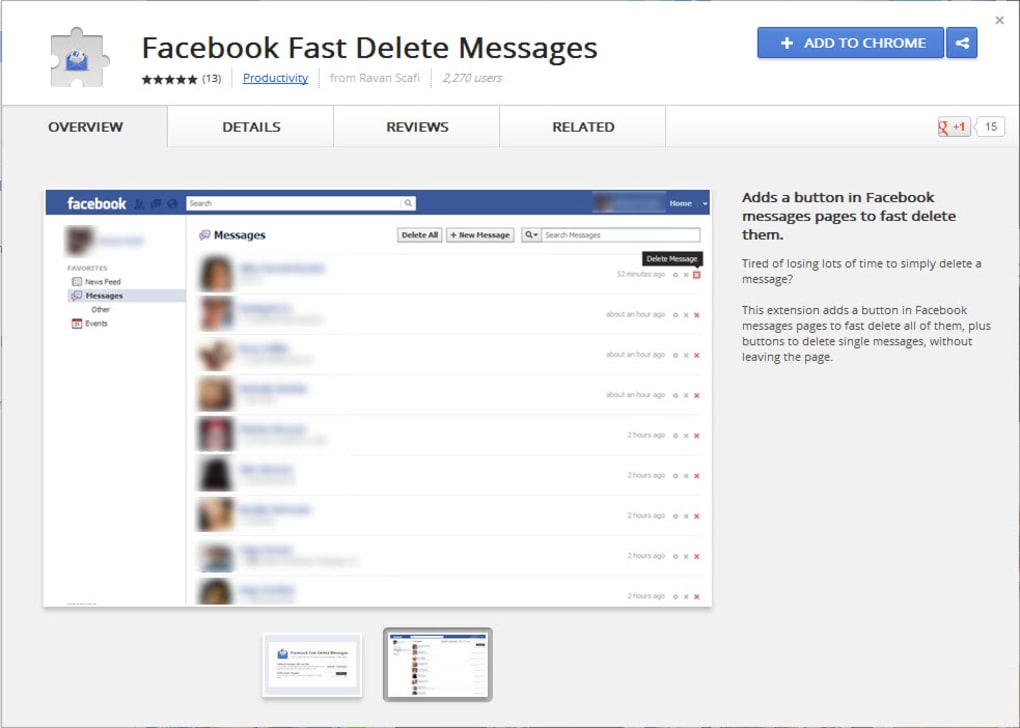
Facebook Fast Delete Messages is a lightweight, free software tool designed to streamline the process of removing unwanted conversations from your Facebook inbox. Instead of navigating through Facebook’s native interface—where each message must be selected and deleted individually—this application embeds a convenient delete icon directly into the Facebook web page. With a single click, users can erase spam, promotional messages, or any conversation they no longer wish to keep. The tool works in both English and Portuguese, making it accessible to a broad audience. At only 9.03 KB, it consumes virtually no storage space, and because it’s completely free, there are no hidden in‑app purchases or subscription fees. The download completes within seconds, allowing you to start cleaning your inbox almost immediately. Whether you’re a casual user overwhelmed by promotional noise or a professional who needs to maintain a tidy messaging history, Facebook Fast Delete Messages offers a secure, time‑saving alternative to the standard Facebook deletion workflow.
Key Features & Benefits
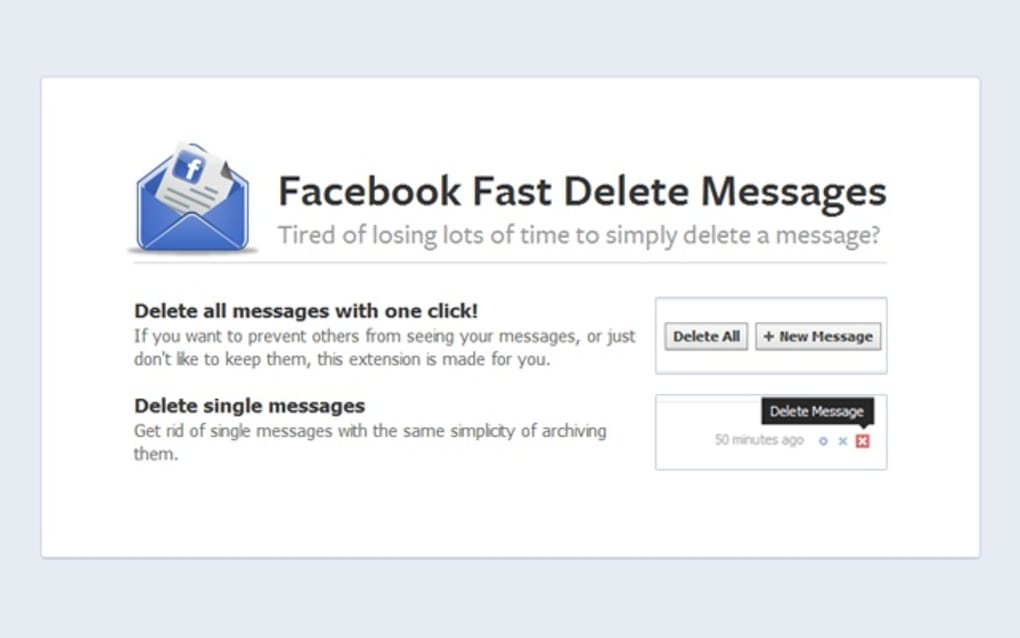
- One‑Click Deletion: Instantly remove a single message or an entire conversation with a single mouse click, eliminating the need for multiple steps.
- Bulk Delete Mode: Select multiple messages or entire threads and delete them all at once, perfect for clearing out spam‑filled inboxes.
- Integrated Delete Icon: After installation, a discreet delete button appears directly in the Facebook interface, keeping the workflow seamless.
- Toggleable Functionality: The delete icon can be enabled or disabled at any time, giving you full control over when the tool is active.
- Minimal Footprint: At just 9.03 KB, the software occupies negligible disk space on Windows, macOS, Android, and iOS devices.
- Multi‑Language Support: Available in English and Portuguese, with plans for additional languages based on community demand.
- Zero Cost & No Ads: Completely free to download and use, with no hidden fees, subscriptions, or intrusive advertisements.
- Secure Operation: The application works locally in your browser, never storing or transmitting your messages to third‑party servers.
These features combine to create a tool that not only saves time but also enhances privacy by giving you direct control over the deletion process. Because the software operates as a browser extension rather than a separate app, it receives automatic updates whenever Facebook changes its UI, ensuring continued compatibility without manual intervention. Users frequently report a noticeable reduction in inbox clutter after just a few minutes of use, allowing them to focus on meaningful conversations rather than sifting through unwanted spam.
Installation, Usage & Compatibility
Installing Facebook Fast Delete Messages is straightforward and requires no technical expertise. Follow these steps to get the tool up and running on your preferred platform:
- Download the Installer: Click the Download button on the official website. The file size is only 9.03 KB, so the download completes in seconds on most connections.
- Run the Installer: For Windows users, double‑click the .exe file; macOS users will open the .dmg package; Android and iOS users can install the companion app from the Google Play Store or Apple App Store, respectively.
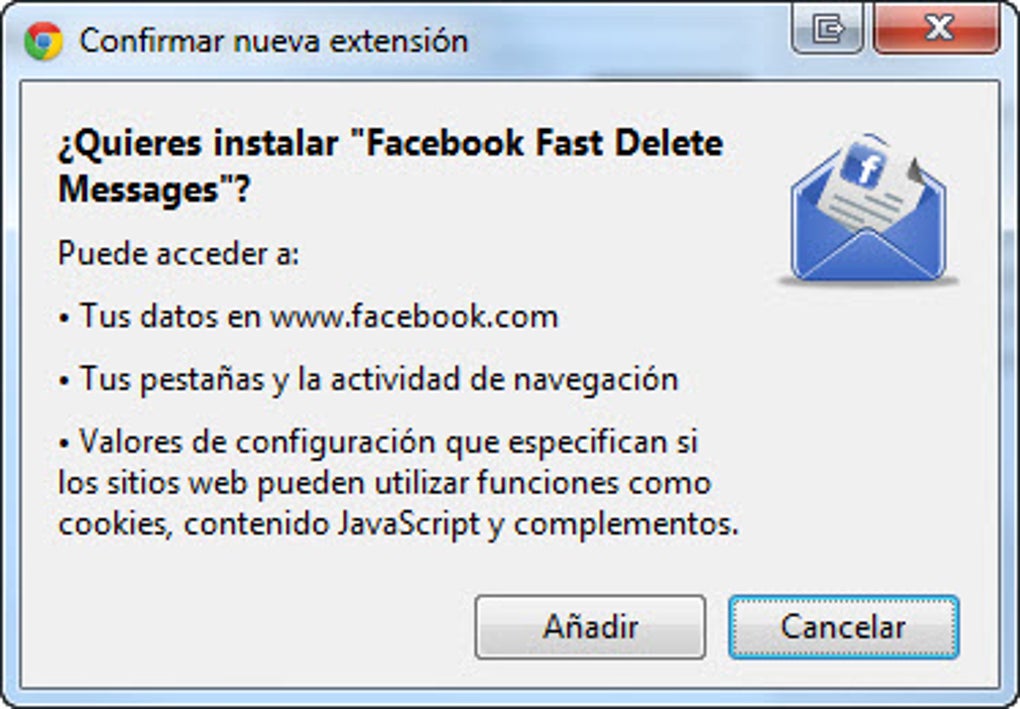
- Grant Permissions: The installer will request permission to modify your browser’s extensions. Approve the request to allow the delete icon to appear in your Facebook interface.
- Restart Your Browser: After installation, close and reopen your browser (or the Facebook app on mobile) to load the new extension.
- Start Deleting: Navigate to Facebook, locate the new delete icon next to each conversation, and click to remove unwanted messages instantly.
The tool is compatible with the major operating systems used today: Windows 10/11, macOS 10.15 and later, Android 8.0 and later, and iOS 13 and later. Because it integrates as a browser extension, it works with popular browsers such as Google Chrome, Mozilla Firefox, Microsoft Edge, and Safari. The extension automatically detects the Facebook UI version you are using and adapts its icon placement accordingly, ensuring a consistent experience across devices.
For users who prefer not to have the delete icon permanently visible, the application includes a simple toggle switch located in the extension’s settings menu. Turning the feature off hides the icon without uninstalling the software, allowing you to reactivate it whenever needed. Regular updates are delivered automatically through the browser’s extension store, keeping the tool secure and compatible with any changes Facebook makes to its messaging platform.
Pros & Cons
Advantages
- Extremely fast one‑click deletion saves valuable time.
- Bulk delete option efficiently clears large inboxes.
- Free, with no hidden costs or ads.
- Lightweight (9.03 KB) – negligible impact on system resources.
- Works across Windows, macOS, Android, and iOS.
- Secure, local operation—no data leaves your device.
- Easy installation and intuitive interface.
- Toggleable icon gives users full control.
Drawbacks
- Currently limited to English and Portuguese; other languages are pending.
- Requires browser support; not a standalone desktop application.
- May conflict with ad‑blocking extensions if both modify the same page elements.
- Bulk delete does not provide an “undo” option; deleted messages are permanently removed.
- Only works with the standard Facebook web layout; custom themes may hide the icon.
The overall experience with Facebook Fast Delete Messages is overwhelmingly positive. The speed and simplicity of the one‑click delete feature alone make it a must‑have utility for heavy Facebook users. While language support could be expanded, the current offering already covers a large portion of the global user base. The minor drawbacks are outweighed by the considerable time savings and the fact that the tool remains completely free and secure.
FAQ & Conclusion
Is Facebook Fast Delete Messages safe to use?
Yes. The tool runs locally in your browser and never transmits your messages to external servers. All deletion actions are performed directly on Facebook’s platform, ensuring that your data remains private.
Can I recover messages after they are deleted?
No. Once a message is removed using Facebook Fast Delete Messages, it is permanently deleted from Facebook’s servers, just like using the native delete option. Be sure to double‑check before confirming bulk deletions.
Does the software work on mobile browsers?
Yes. A dedicated companion app is available for Android and iOS, which adds the delete icon to the Facebook mobile web view and native app, offering the same one‑click functionality as the desktop version.
Will the extension affect the performance of my browser?
Because the extension is only 9.03 KB and injects a minimal amount of code, it has an almost negligible impact on browser performance. Users on older hardware report no noticeable slowdown.
How often is the software updated?
Updates are released automatically through the browser’s extension store whenever Facebook changes its UI or when security patches are required. Users receive the latest version without manual downloads.
In summary, Facebook Fast Delete Messages delivers a fast, secure, and completely free solution for anyone looking to keep their Facebook inbox tidy. By integrating a simple delete icon directly into the messaging interface, it eliminates the tedious steps required by the native platform and offers bulk‑delete capabilities that can dramatically reduce inbox clutter in seconds. The lightweight design, cross‑platform compatibility, and automatic updates make it a reliable tool for both casual users and power users alike. If you’re ready to reclaim control over your Facebook messages, click the download button below and experience a cleaner, more organized inbox today.
Guides & Tutorials for Facebook Fast Delete Messages
How to install Facebook Fast Delete Messages
- Click the Preview / Download button above.
- Once redirected, accept the terms and click Install.
- Wait for the Facebook Fast Delete Messages download to finish on your device.
How to use Facebook Fast Delete Messages
This software is primarily used for its core features described above. Open the app after installation to explore its capabilities.
User Reviews for Facebook Fast Delete Messages 0
No reviews found





